Optimizing SharePoint Knowledge Retrieval in Copilot Studio: The Dataverse Architecture
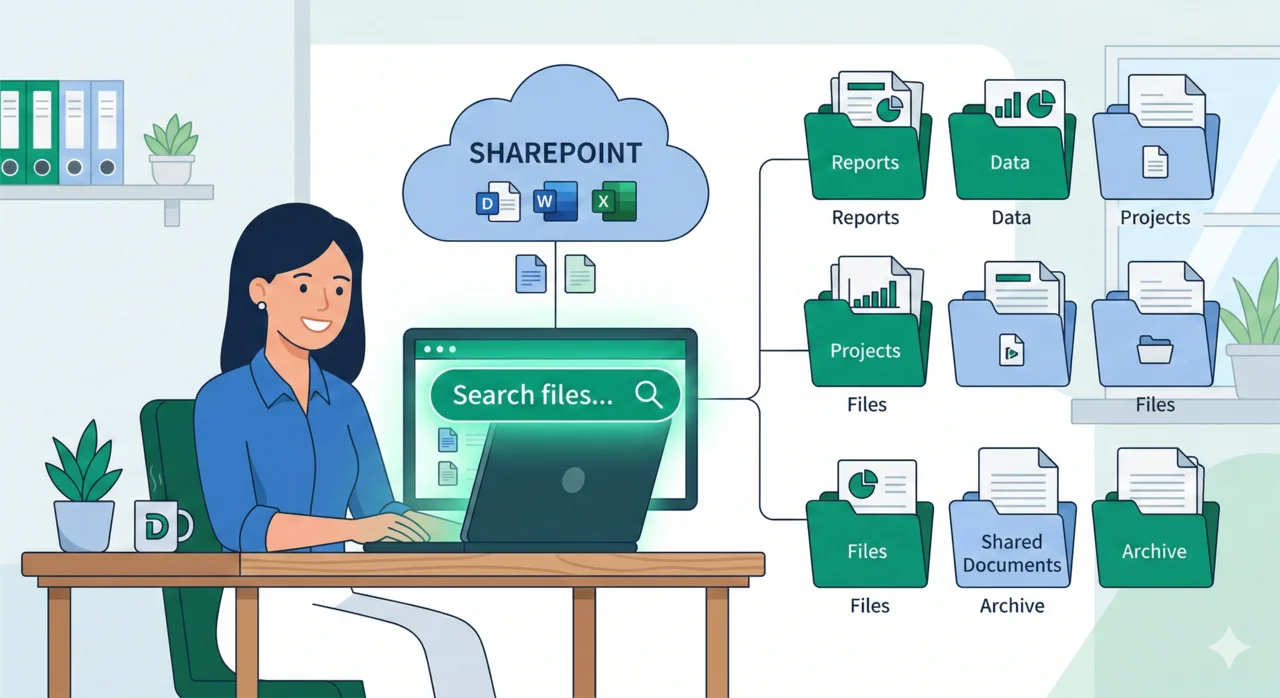
Learn how to bypass SharePoint Graph limits and upgrade your Copilot's retrieval quality using Dataverse as a high-fidelity indexing and caching layer.

Learn how to bypass SharePoint Graph limits and upgrade your Copilot's retrieval quality using Dataverse as a high-fidelity indexing and caching layer.
// Conceptual Retrieval Optimization
{
"stage": "Information Retrieval",
"provider": "Dataverse",
"source": "SharePoint_Sales_Library",
"optimization": {
"ocr_enabled": true,
"excel_deep_scan": true,
"max_file_size": "512MB",
"indexing_latency": "4h"
},
"query": "Resolve(UserPrompt, ConversationHistory)"
} 
Learn how to bypass SharePoint Graph limits and upgrade your Copilot's retrieval quality using Dataverse as a high-fidelity indexing and caching layer.


Discover how to architect scalable, context-aware Copilots using Child Agents. Learn to manage AI limits and build dynamic routing pipelines using Power Fx.


Handling rows and columns in LLMs is difficult. Learn how to build resilient AI agents by using Dataverse as a cache, optimizing views, and implementing a 'Find vs. Get Details' methodology.


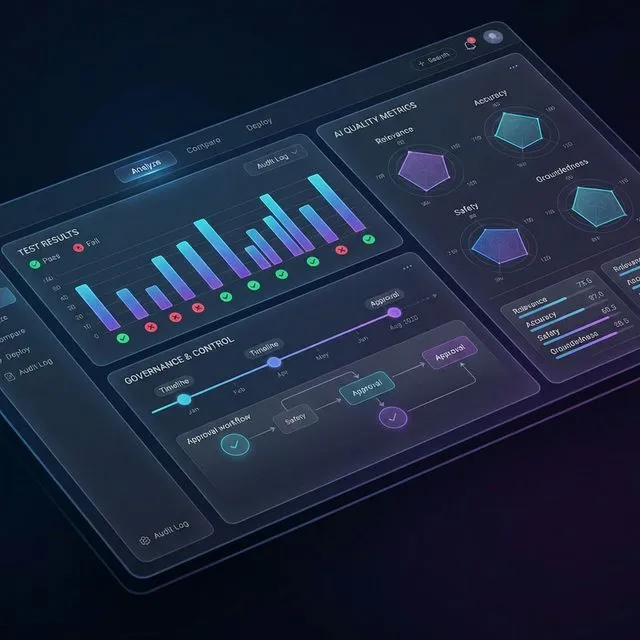
Building an agent is easy; controlling it is the real challenge. Learn how to implement rigorous evaluation frameworks to measure, tune, and secure your Copilot agents.


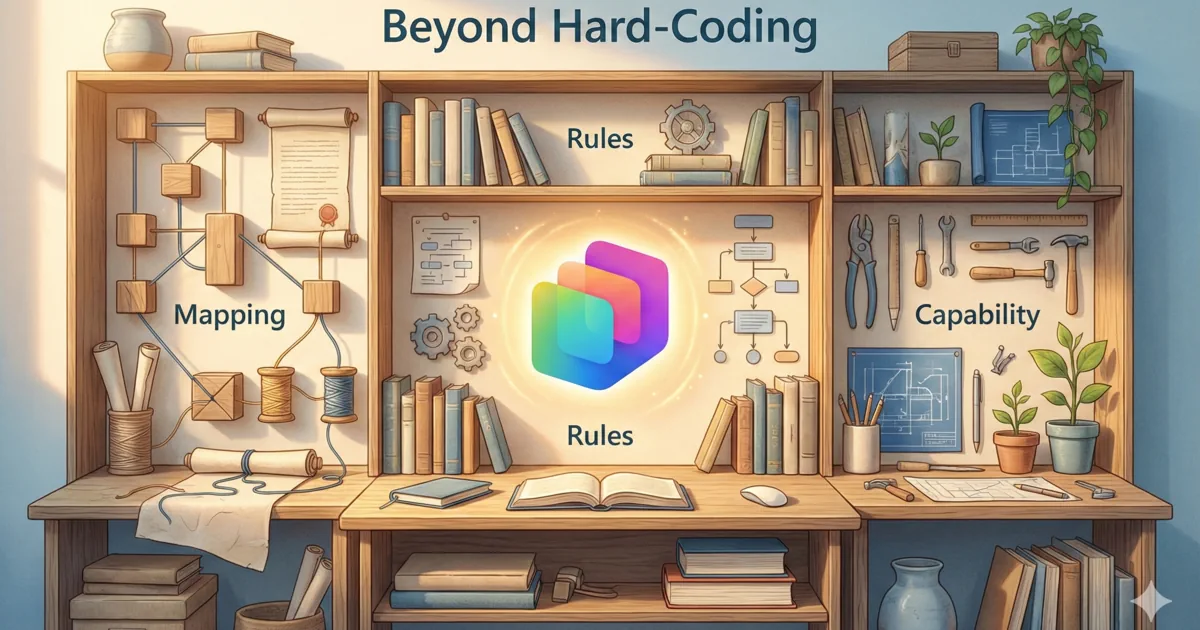
Ditch the IF/THEN logic. Learn how to guide AI agents with precision using Instructions and Descriptions—and avoid the 'developer mindset' traps that break your bots.


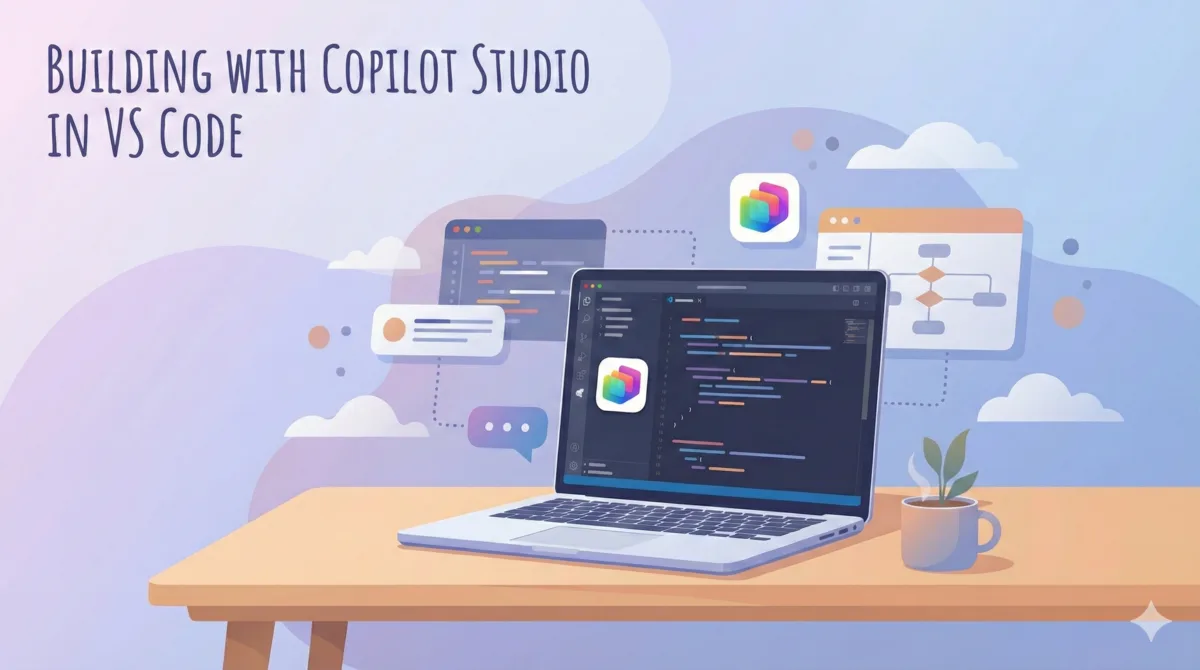
Unpacking the Microsoft Copilot Studio extension for VS Code: How to move from a web-based UI to a local, version-controlled developer workflow.