Build Composable, Model-Agnostic AI Agents with the Microsoft Agent Framework

Writer
Quiz available
Take a quick quiz for this article.
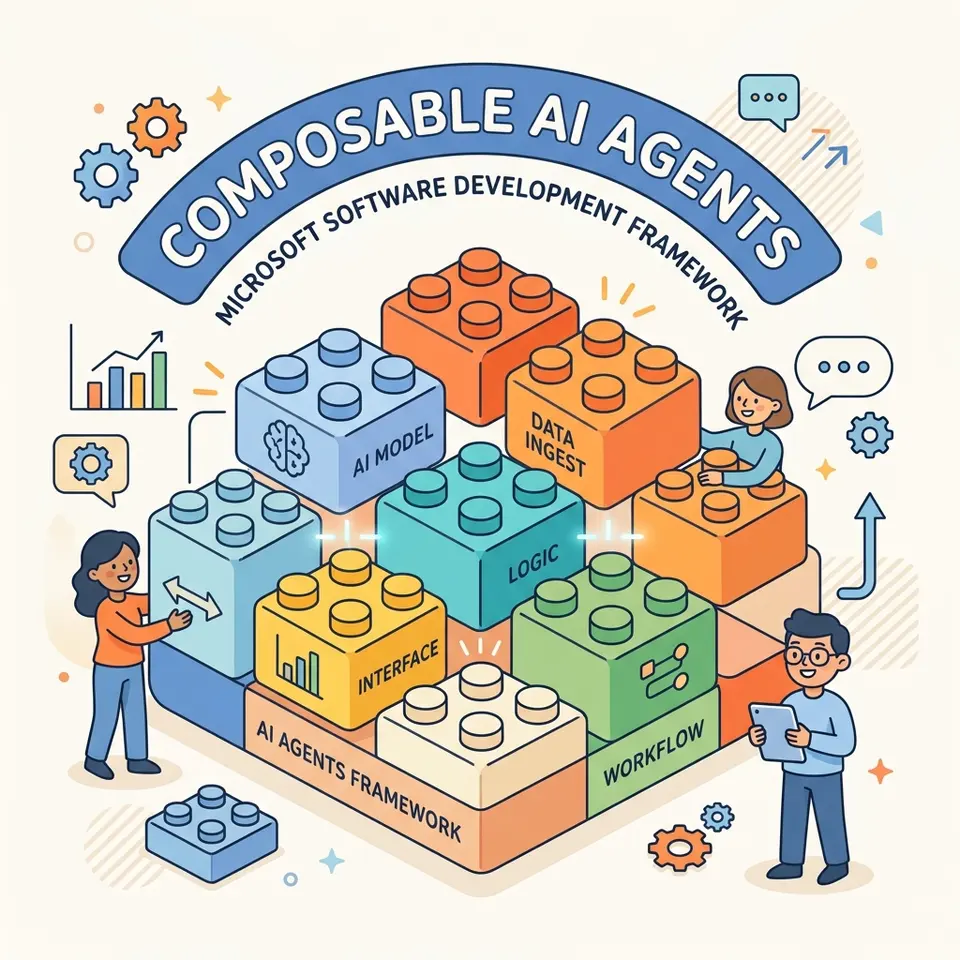
The AI landscape evolves rapidly. If you’ve spent time wrestling with heavy orchestrators to build intelligent assistants, you know the pain of vendor lock-in and bloated dependencies. Enter the Microsoft Agent Framework (MFA).
As the direct successor to both Semantic Kernel and AutoGen, MFA provides lightweight, standard abstractions for building composable AI agents. Best of all? It’s completely model-agnostic.
In this comprehensive guide, we will walk through the core capabilities of the Microsoft Agent Framework, from a simple Hello World to native OpenTelemetry tracing, tool calling, and RAG patterns.
1. The Foundation: Model-Agnostic Abstractions
Despite the name, the Microsoft Agent Framework does not force you to use Microsoft-hosted models. The heart of the framework relies on the IChatClient interface defined in Microsoft.Extensions.AI. As long as your Large Language Model (LLM) provider implements this interface, it will work natively with MFA.
Authentication & Setup
For our examples, we are deploying a model (like GPT-4o-mini) via Azure AI Foundry (formerly Azure AI Studio). To get started, you’ll need three core NuGet packages:
Azure.AI.OpenAIAzure.IdentityMicrosoft.Agents.AI.OpenAI
Security Tip: Avoid hardcoding API keys! Use DefaultAzureCredential.
Locally, it leverages your Visual Studio credentials. In production, it
seamlessly transitions to Managed Identities. Ensure your security principal
is assigned the Foundry User role (formerly Cognitive Services User) to
grant data-plane access.
2. Hello World & The Importance of TTFT
Invoking an agent is as simple as creating an MfaAgent and calling the RunAsync() method. However, when building user-facing applications, latency is everything.
- Standard Execution (
RunAsync): Returns the full payload at once. Great for background jobs, summarization, or data classification. - Streaming Execution (
IAsyncEnumerable): Chunks the response as it is generated. If you care about Time To First Token (TTFT) in chat UIs, streaming is mandatory to provide a responsive user experience.
Understanding Chat Roles
Before we go further, it’s essential to understand the four primary chat roles the framework uses to structure conversation context:
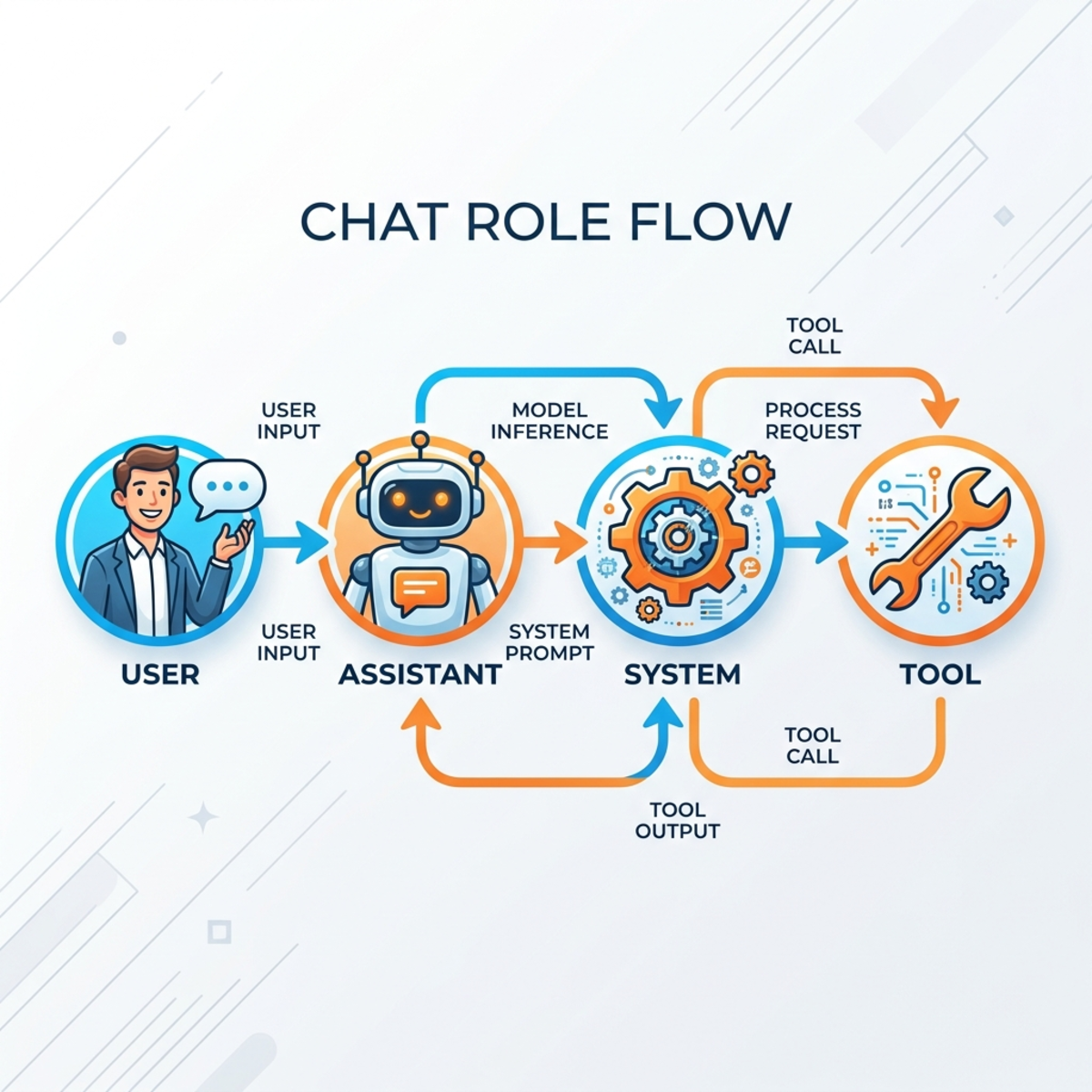
- User: The prompt or query from the human.
- Assistant: The response generated by the LLM.
- System: The overarching rules, identity, and instructions governing the agent’s behavior.
- Tool: The results returned after the agent decides to invoke an external function.
3. Enforcing Structured Output
Often, you don’t want raw text; you want structured JSON. Instead of relying on fragile prompt engineering (“Please format your response as JSON…”), MFA allows you to enforce schema natively.
By invoking RunAsync<T>() and passing a C# DTO/class (e.g., MovieReview), the framework guarantees the output matches your object schema, provided the underlying model supports structured outputs.
Architectural Insight: Keep your output schemas clean. Instead of cluttering your object schema with irrelevant fields—like forcing the AI to return “customer proof” or arbitrary identity flags—update your agent’s system instructions to handle context-based customer identification natively. A leaner schema results in faster, more reliable parsing.
4. Multi-Modal Inputs and Protected URIs
Modern LLMs are multi-modal. In MFA, a single ChatMessage can be composite, containing multiple content blocks—such as text combined with binary image data.
If you want to pass an image via URL (UriContent), you have two options:
- Public Resources: Pass the URL directly.
- Protected Resources: If the file sits in a private Azure Storage Blob, generate a Short-Lived Shared Access Signature (SAS) token and append it to the URI. This brilliant security trick grants the agent temporary access without exposing your storage account to the public internet.
5. State Management: Handling Multi-Turn Sessions
LLMs are inherently stateless. If you want your agent to remember a user’s name across prompts, you must manage the conversation history and token usage.
In MFA, you explicitly initialize memory using MfaAgent.CreateSessionAsync(). When you attach this session to your invocations, the framework appends previous interactions to the payload using the default InMemoryChatHistoryProvider. Keep an eye on your token count—sending the full history increases input tokens linearly!
Persisting State
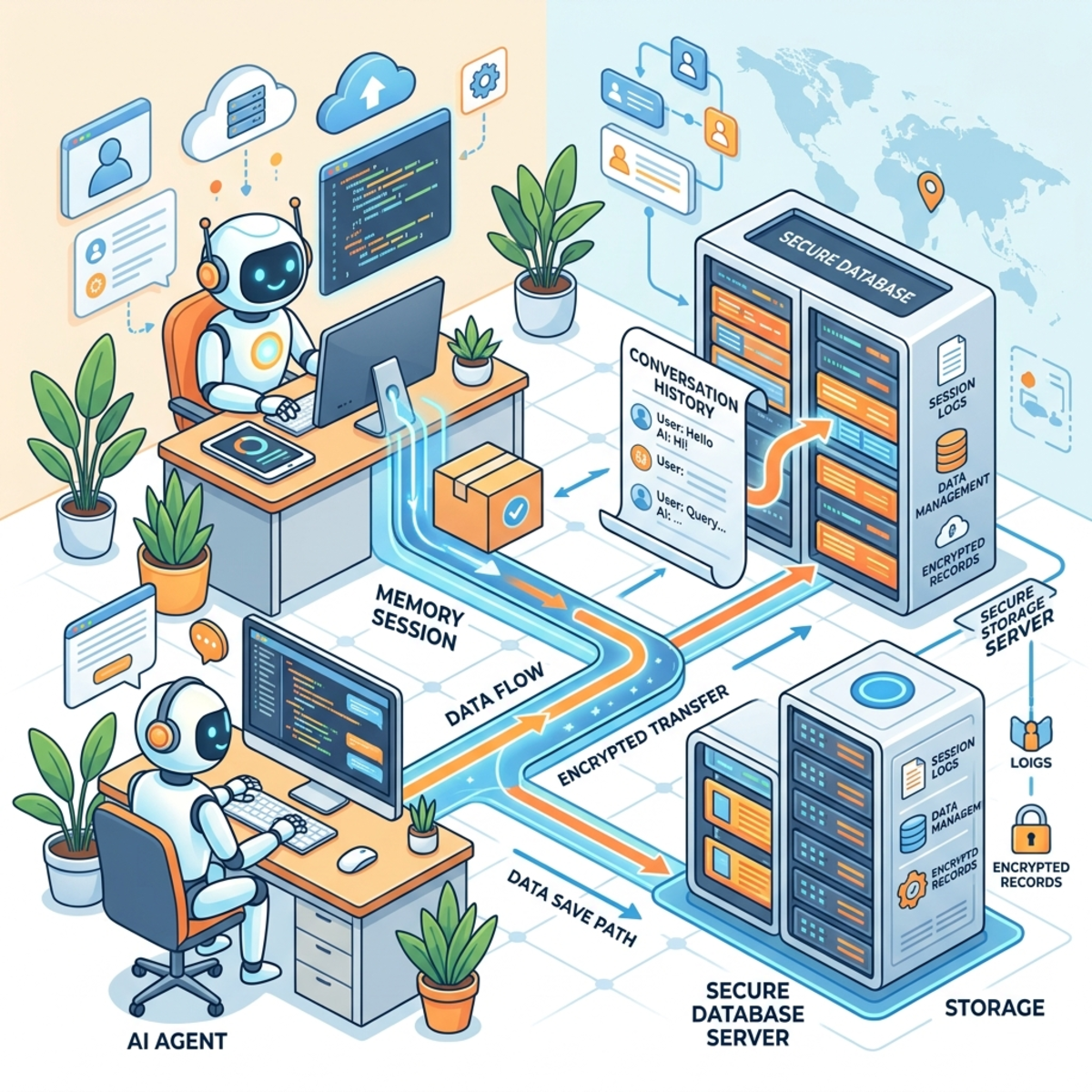
To support long-running or paused conversations, MFA provides robust serialization capabilities:
- Call
SerializeSessionAsync()to capture the state of the chat history provider. - Store the JSON payload in a database (like PostgreSQL or Cosmos DB).
- When the user returns, fetch the record, call
DeserializeSessionAsync(), and pass it back into the agent to pick up exactly where they left off.
6. Native Tool Calling (Function Calling)
An AI agent isn’t truly an agent unless it can interact with the outside world. MFA makes tool registration incredibly straightforward via AIFunctionFactory.Create().
You can register functions for getting the weather, triggering a deployment, or logging expenses. The framework scans the registered tools and autonomously decides which to invoke based on the user’s prompt, elegantly handling the underlying FunctionCall and FunctionResult mechanics.
The Golden Rule of Tooling: Do not neglect the [Description] annotations
on your C# methods and parameters. The LLM relies entirely on these
descriptions for accurate routing to understand the tool’s purpose. Vague
descriptions lead to hallucinated arguments or completely skipped executions!
7. RAG Patterns with AI Context Providers
Retrieval-Augmented Generation (RAG) is a first-class citizen in MFA. By passing an AIContextProvider (like the TextSearchProvider) into your agent’s options, you give the LLM the ability to ground its answers in your proprietary data.
You can configure the execution modes via the TextSearchBehavior enum in two ways:
BeforeAiInvoke: Forces a search on every single interaction (always).OnDemandFunctionCalling: Treats the vector search as a tool, letting the LLM decide if it actually needs to look up context based on the specific query (as-needed).
When the agent uses the context provider, the framework natively returns metadata like SourceName and SourceLink, making it trivial to build UI citations.
8. Enterprise-Grade Observability
You shouldn’t have to write custom logging plumbing for your AI infrastructure. MFA natively supports OpenTelemetry!
By importing the OpenTelemetry package and chaining .UseOpenTelemetry() on your agent builder, the framework automatically captures GenAI-standard traces, logs, and metrics (including token counts and tool execution times). You can seamlessly route this telemetry out to the console, Azure Monitor, or Grafana dashboards.
9. Agentic Workflows
Business processes are rarely linear. They involve parallel branches, data transformations, and specific routing logic.
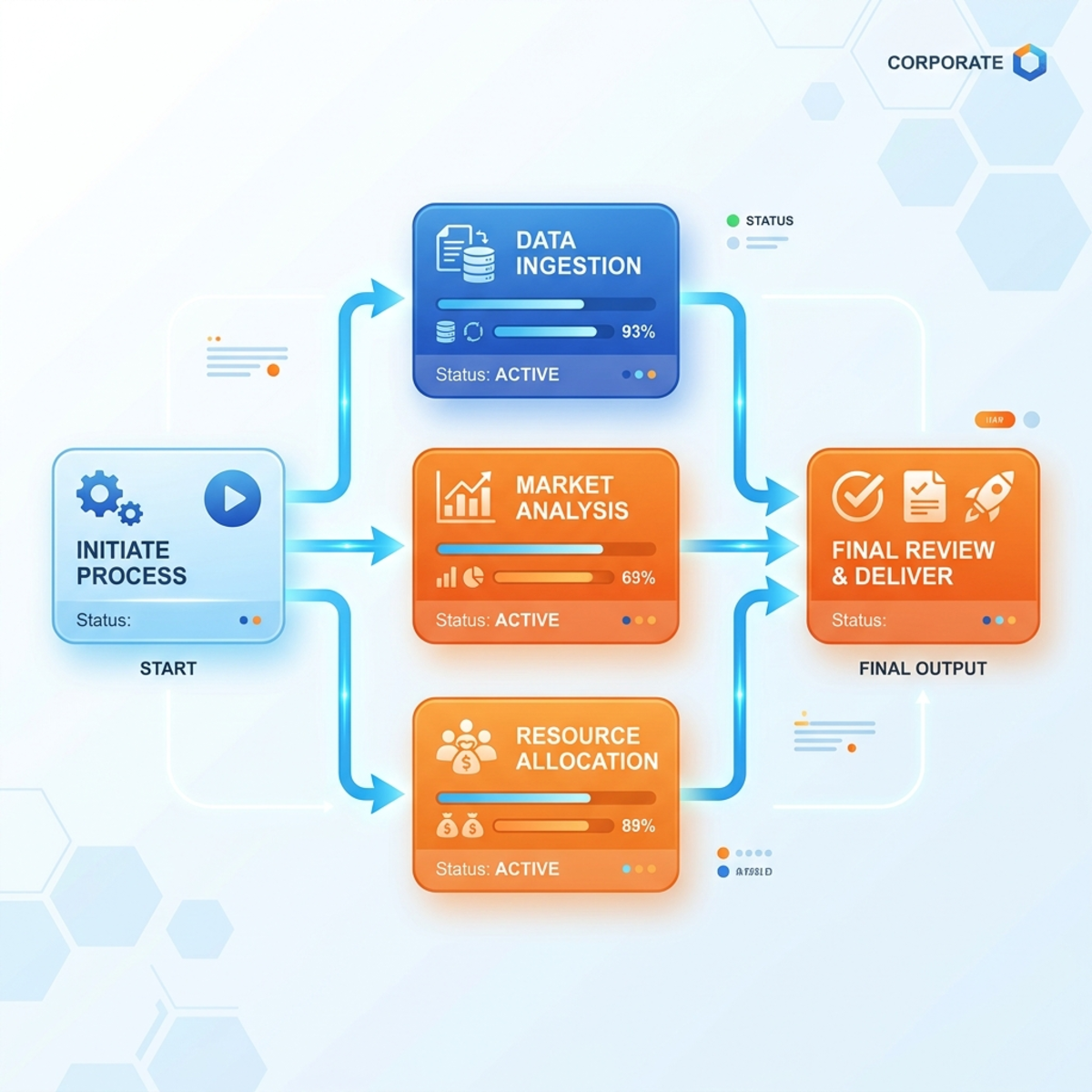
By utilizing the Microsoft.Agents.AI.Workflows package, you can define Directed Acyclic Graphs (DAGs) of work to build multi-step processing graphs. Using the WorkflowBuilder, you define Nodes (Executors/Delegates) and Edges (the paths between them).
For example, Node A might sanitize string inputs, pass the result to Node B to count words, while Node C parallel-processes a translation. While simple in memory, these workflows can eventually be backed by orchestration tools like Azure Durable Functions for massive, stateful scale.
Wrapping Up
The Microsoft Agent Framework brings much-needed standardization to the AI engineering space. By focusing on standard abstractions, native schema enforcement, and built-in observability, it allows architects to focus on business logic rather than orchestrator plumbing.
Read next