Mastering Enhanced Task Completion in Copilot Studio: A Guide to Agentic Reasoning Loops

Writer
Quiz available
Take a quick quiz for this article.
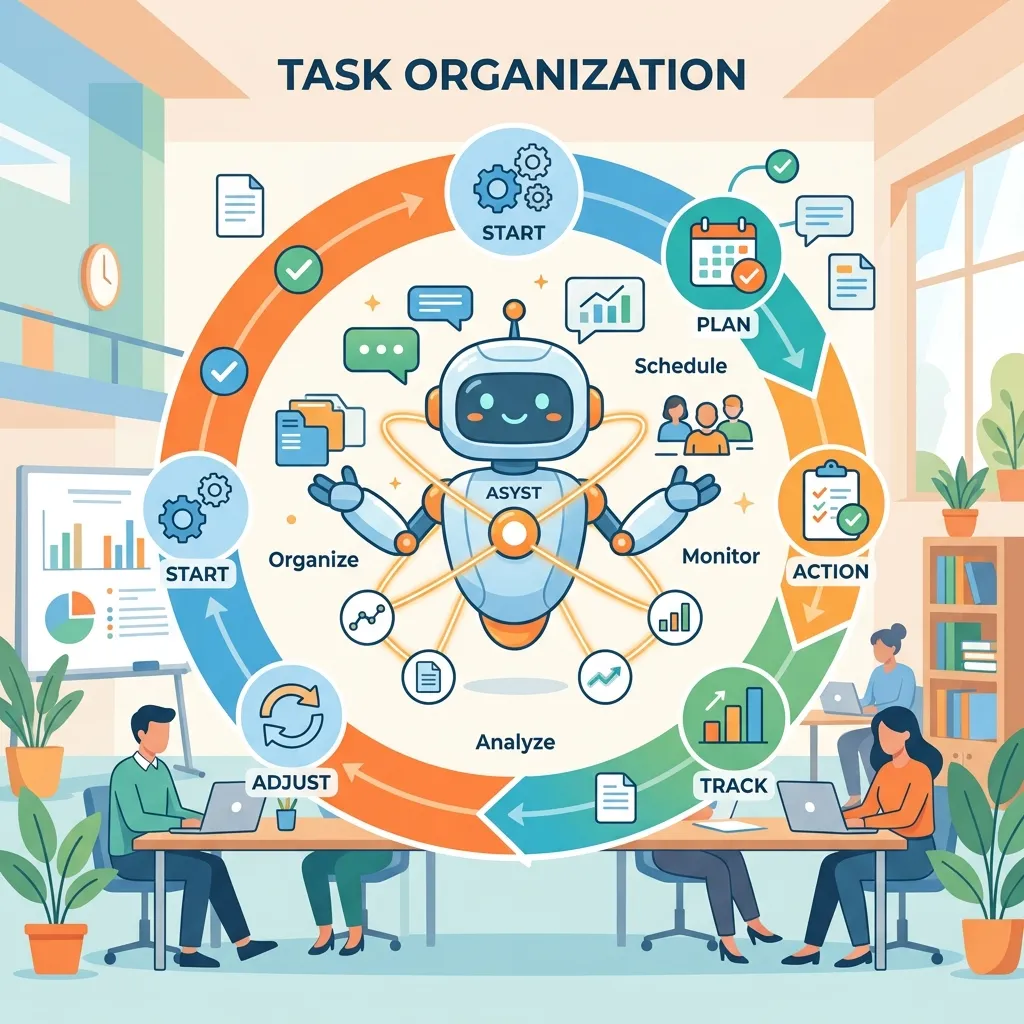
Artificial Intelligence orchestration is shifting from static planning to dynamic, human-like execution. Microsoft’s Copilot Studio is at the forefront of this shift with its newly introduced (and highly anticipated) experimental feature: Enhanced Task Completion.
This feature brings autonomous agentic reasoning loops directly into the Copilot orchestrator. If you’ve ever been frustrated by an agent failing because a linear plan hit an unexpected snag, this update changes everything. Here is a deep dive into how it works, how to enable it, and what it makes possible.
Enhanced Task Completion replaces the rigid “Planner” method with Agentic Reasoning Loops based on the ReAct (Reason + Act) pattern, unlocking autonomous error recovery and parallel tool execution.
1. The Core Engine: Moving from Linear Plans to the ReAct Pattern
Historically, generative orchestration in Copilot Studio relied on a “Planner.” When given a prompt, the agent would analyze the request, build a rigid step-by-step plan, and attempt to execute it. This works well for predictable tasks, but it lacks a “critic.” If step two failed, the agent rarely knew how to pivot.
Enhanced Task Completion replaces this with an Agentic Reasoning Loop based on the ReAct (Reason + Act) pattern. Instead of building a massive plan upfront, the orchestrator acts iteratively:
- Think: Analyze the immediate problem.
- Act: Trigger a tool, run a query, or formulate a response.
- Observe: Look at the result of that action.
- Reflect: Decide if the goal is met or if a new action is required.
- Repeat: Cycle through until the user’s request is fully resolved.

Why this matters:
- Parallel Tool Execution: The loop can trigger multiple tools simultaneously to gather data faster.
- Self-Healing & Error Recovery: If a tool returns an error, the agent observes the failure and tries a different approach or tool.
- Proactive Clarification: If the agent realizes it lacks necessary context during the “Observe” phase, it will pause the loop and dynamically generate questions to ask the user for clarification.
2. Prerequisites: Preparing Your Environment
Because Enhanced Task Completion is currently in the experimental phase, you cannot simply flip a switch in your production environment.
Step 1: Admin Center Configuration
You must operate within an environment set to the Early Release Cycle.
Crucial Tip: You cannot change an existing environment to “Early.” You must go into the Power Platform Admin Center, create a new environment (e.g., a Developer environment), check the “Change default settings” box, and explicitly enable early features during creation.
Step 2: Enabling the Feature in Copilot Studio
- Open Copilot Studio in your newly created early-release environment.
- Create a Blank Agent.
- Wait for the agent to fully provision (ensure the status indicator turns green).
- Navigate to Settings.
- Toggle on Enhanced Task Completion.
Once enabled, you will notice the test chat window expands significantly to accommodate a new “Train of Thought” UI, which allows you to watch the agent reason through its internal loop in real-time.
3. The Experimental Trade-offs: What Works and What Doesn’t
Integrating an agentic loop fundamentally changes how the orchestrator behaves. As a result, some legacy features are temporarily disabled while using this mode.
| Category | Supported Features | Currently Unsupported |
|---|---|---|
| Integrations | Tools, MCP (Model Context Protocol) Servers, Connectors, Agent Flows | Custom Topics, Topic Triggers |
| Architecture | Knowledge bases, Connected Agents | Child Agents (Multi-agent setups) |
| Analytics | Raw reasoning data visible via the 'Train of Thought' UI | Standard Analytics, Formal Activity History, Evaluations |
| Other | English language primarily | Additional localizations, Content moderation toggles (may need manual adjustment) |
Note: Safety and quality settings like content moderation, evaluations, and grounded response settings may require manual adjustment or disabling during the experimental phase. Treat this feature as a sandbox. It is highly capable, but absolutely not ready for production workloads until it hits General Availability.
4. Real-World Power: What Can the Reasoning Loop Do?
To understand the leap in capability, let’s look at how this orchestrator handles complex, multi-tool scenarios using demonstrated integrations like the Dataverse MCP server, Weather connector, Work IQ, and local document uploads.
Scenario A: Complex Policy Interpretation & Logic
Imagine asking an agent: “I need a gift for the primary contact at Litware. Propose an appropriate gift considering our corporate gifting policies and their local weather.”

Using the reasoning loop, the agent autonomously executes the following:
- Queries Dataverse (via MCP): Finds that the Litware contact is Susanna Stubbard in Issaquah, WA.
- Triggers Weather Connector: Checks the current forecast for Issaquah.
- Parses Knowledge (Uploaded PDF): Reads the corporate gifting policy, noting that gifts must be under $150 and cannot be cash.
- Synthesizes: Recommends a $140 Pacific Northwest indoor gift basket, citing the rainy weather and strict adherence to the price limits.
Scenario B: Cross-App Actions & Multimodal Updates
Using integrations like Work IQ (Copilot, Email, User Info), the agent can move from planning to doing. You can instruct the agent to draft an email based on the previous gift recommendation, and it will push that draft directly into your Outlook Drafts folder.
Even more impressive is its vision capability. You can take a screenshot of that generated Outlook draft, upload the image back into the Copilot chat, and say, “Change the numbered list in this email to bullet points.” The agent will observe the image, map it to the active draft, and execute the formatting change natively.
Scenario C: Code Execution for Data Manipulation
Because the reasoning loop has access to powerful backend environments, it can execute scripts (like Bash) to manipulate data on the fly. If you ask the agent for a table of accounts in Texas, ask it to append their corresponding addresses, and then follow up with “Give me this data in an Excel file,” the agent will write and run the necessary code to compile that data into an .xlsx file and offer it as a direct download right in the chat.
5. Pro-Tip: The Importance of System Instructions
One of the most impressive aspects of the reasoning loop is that it can figure out complex tasks completely out-of-the-box with zero custom prompt engineering.
Optimization Tip: While the agent can figure things out on its own, providing clear System Instructions acts as a set of guardrails. It dramatically reduces the time spent in the “Think/Reflect” phases, making the loop significantly more efficient, accurate, and responsive.
Conclusion
Enhanced Task Completion is a massive leap forward for Copilot Studio, transforming it from a rigid chatbot builder into a true autonomous agent platform. While it currently carries the limitations of an experimental preview, the ability to weave together MCPs, Work IQ, vision, and dynamic ReAct loops makes it a must-try for any developer in the Power Platform ecosystem. Spin up a developer environment today, turn it on, and start exploring the future of agentic orchestration.
Read next