Mastering Copilot Studio: Workflow Designers, Licensing Hacks, and Agent 365 Governance

Writer
Quiz available
Take a quick quiz for this article.

1. What’s New in Copilot Studio
The Copilot Studio platform is iterating rapidly. Here are the most significant updates makers need to be aware of right now:
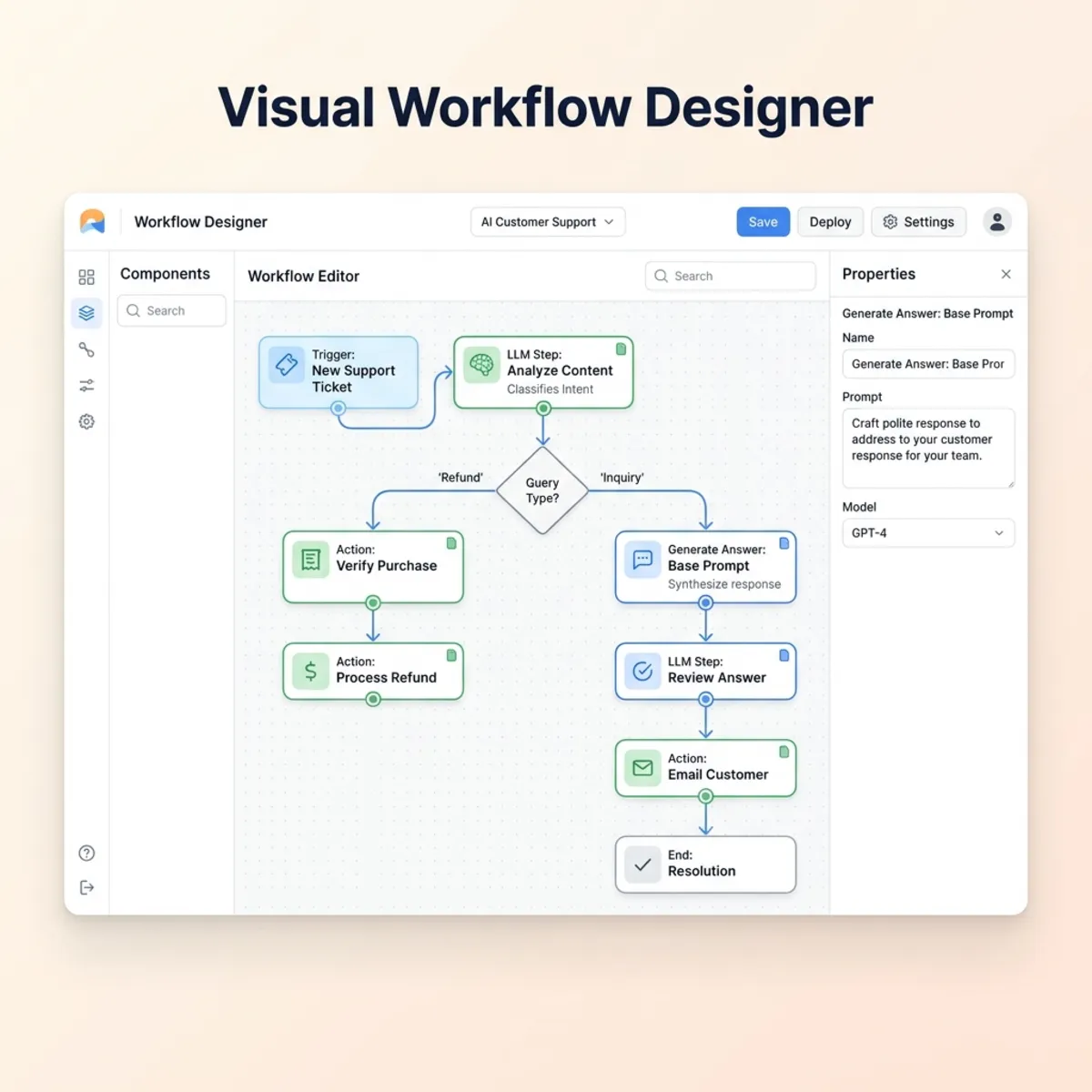
The Visual Workflow Designer (Preview)
Microsoft has introduced a new Visual Workflow Designer as an alternative way of working with agent flows. This feature is currently limited to preview environments.
- How it works: Unlike classic agent flows that start with a standard trigger, this provides a highly visual, workflow-style palette.
- Key Integrations: It features a revamped human-in-the-loop review system and a dedicated M365 Copilot connector.
- Coexistence: Classic Power Automate agent flows have not gone away. You will now navigate a hybrid environment of classic and fast-design flows.
Advanced Debugging with the Copilot Studio Kit
If you are building powerful agents, the Copilot Studio Kit (managed by the PowerCat team) is mandatory. The latest update introduces a powerful Agent Debugger via AppSource.
The Agent Debugger surfaces a performance timeline and deep debug information, allowing developers to isolate root causes in seconds.
Maintenance Tip: Installing from AppSource does not guarantee automatic updates; you must routinely manually update the kit to access the latest debugging tools.
Preemptive Agent Status and Model Updates
- Agent Status: The right-hand panel now features a preemptive status indicator, flagging warnings and structural issues before you hit publish, saving valuable debugging time.
- Model Upgrades: The ecosystem is currently integrating top-tier models, including GPT 5.5 and Claude Sonnet 4.6. Due to high demand on OpenAI models, Microsoft-managed Anthropic models are currently acting as the default in many environments.
- CLI Integrations: Don’t forget to leverage the official Copilot Studio plugins designed for VS Code and the GitHub Copilot CLI for a faster developer experience.
2. Demystifying Licensing: Pay-As-You-Go vs. Credit Packs
Licensing Copilot Studio often causes confusion. Do you buy the credit pack, or do you use Azure Pay-As-You-Go (PAYG)? Here is how to architect your billing effectively.
The Standard Credit Pack Setup
The standard package ($200/month) yields 25,000 credits. These are “use it or lose it” and applied at the tenant level.
- The Zero-Cost Maker License: To grant a developer access to build, you must procure and assign the $0 “Copilot Studio User” license to them via the M365 Admin Center.
Architecting Pay-As-You-Go Billing
For organizations with variable consumption, PAYG is highly recommended.
- Azure Setup: Go to the Azure Portal and ensure your billing profile is active. Create a standard Resource Group.
- PPAC Integration: In the Power Platform Admin Center, navigate to Licensing > Billing Plans. Create a new plan tied to your Azure Subscription and the new Resource Group.
- Environment Binding: Target your specific environments.
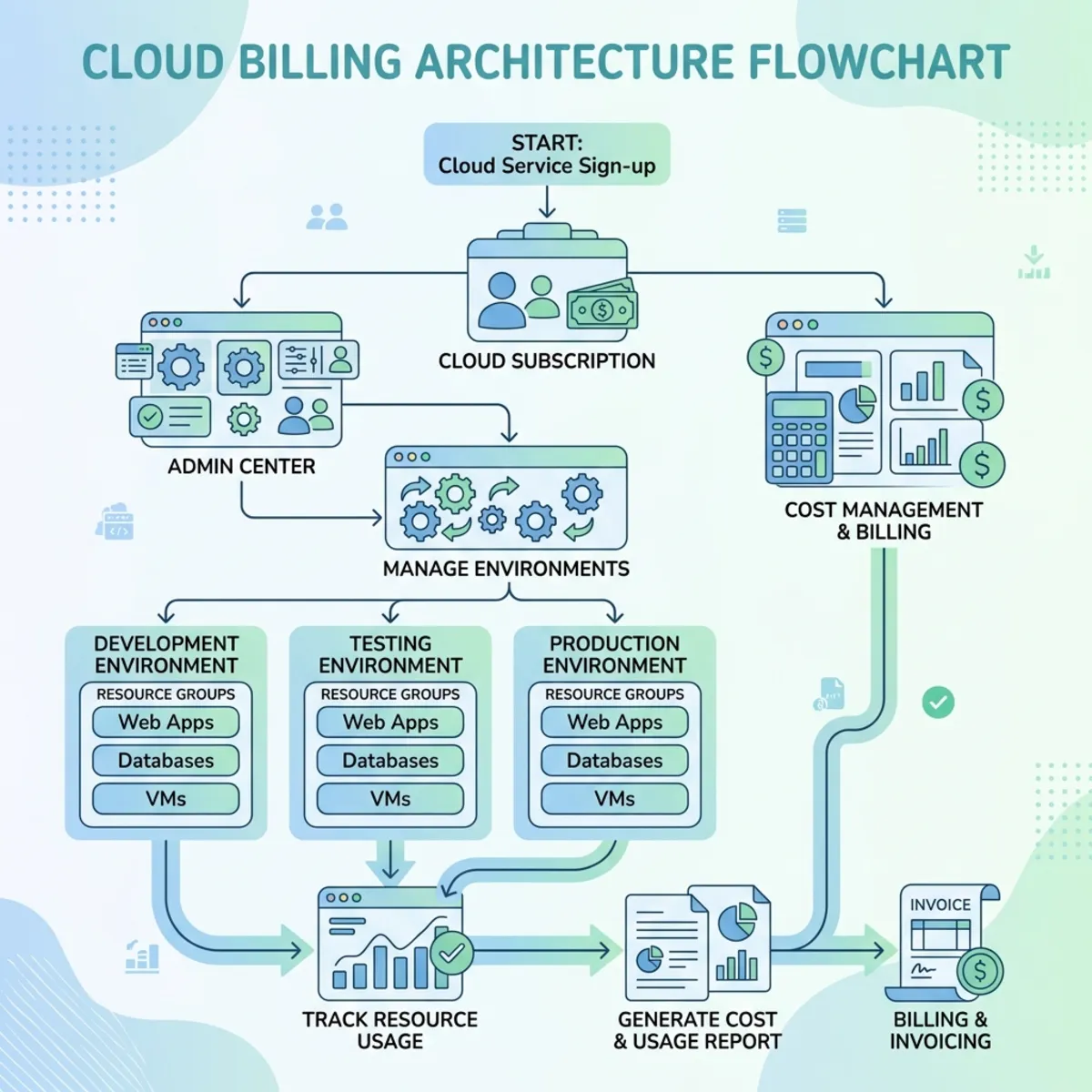
Trick: The environment binding interface can be finicky. If you return to add a new environment, make sure your previously mapped environments remain checked, otherwise, they will drop off the billing plan silently!
Tenant Permissions Checklist
Regardless of your billing method, makers cannot build without the right tenant security constraints:
- Assign a specific Security Group under Copilot Studio Author settings.
- Ensure “Publish Copilots with AI features” is enabled.
- Ensure your makers have the following environment roles: Bot Author, Bot Contributor, Bot Transcript, and Bot Viewer.
3. The Economics of Credit Consumption
Understanding how credits are burned is critical to ROI. Remember the golden rule: You do not pay to build agents; you pay to publish and use them.
The M365 Copilot Loophole
If you build an internal agent for your employees, and they interact with it via Microsoft Teams or the M365 Copilot Chat, it will likely cost you zero Copilot Studio credits, provided the users hold an M365 Copilot license.
How Credits are Calculated
- Generative Answers: 2 credits per answer.
- AI Orchestration: Minimum of 2 credits per answer.
- Tenant Graph Grounding: Pulling data from SharePoint, Outlook, or OneDrive adds approximately 10 credits per query.
- Agent Flows: Billed at roughly 13 credits per 100 actions executed.
Architecture Hack: If you already pay for Power Automate Premium, build heavy flows there to save your Copilot credits.
4. Enterprise Governance with Agent 365
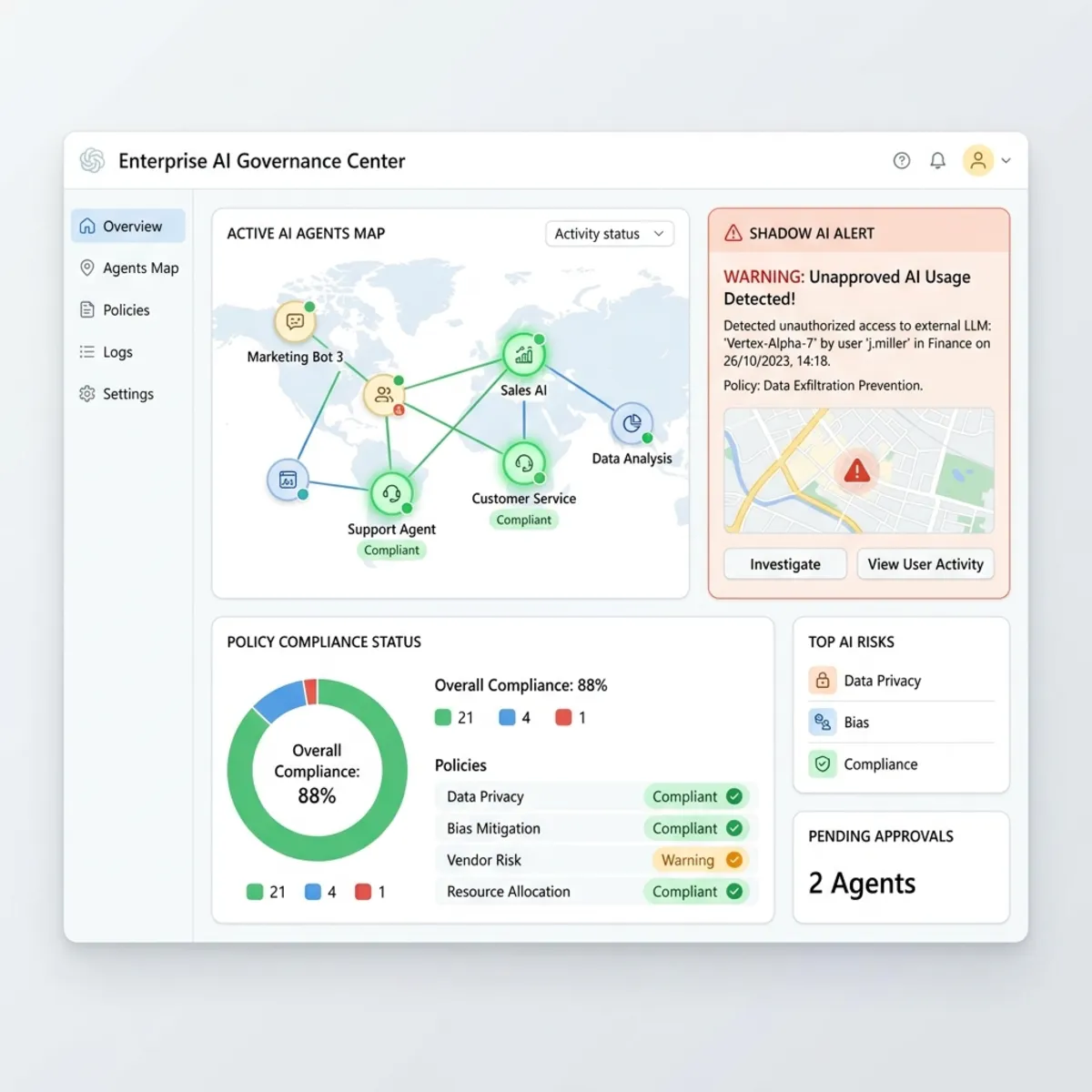
With a projected 1.3 billion agents entering the ecosystem, “Shadow AI” is a massive security threat. Enter Agent 365, the ultimate control plane for agents.
Currently in General Availability, Agent 365 pricing is $15/user/month.
Key Capabilities
- Visual Topography: Admins get a map view of every agent in the tenant.
- Shadow AI Detection: Agent 365 acts as a registry that monitors unsanctioned AI tools being accessed on corporate networks.
- Deployment & Lifecycle Management: Admins manage publishing requests centrally. Crucially, if your organization utilizes Microsoft Purview, you can directly map Purview Data Loss Prevention (DLP) templates.
Read next