Mastering Data Ingestion for AI Agents: A Deep Dive into Foundry IQ Knowledge Sources

Writer
Quiz available
Take a quick quiz for this article.
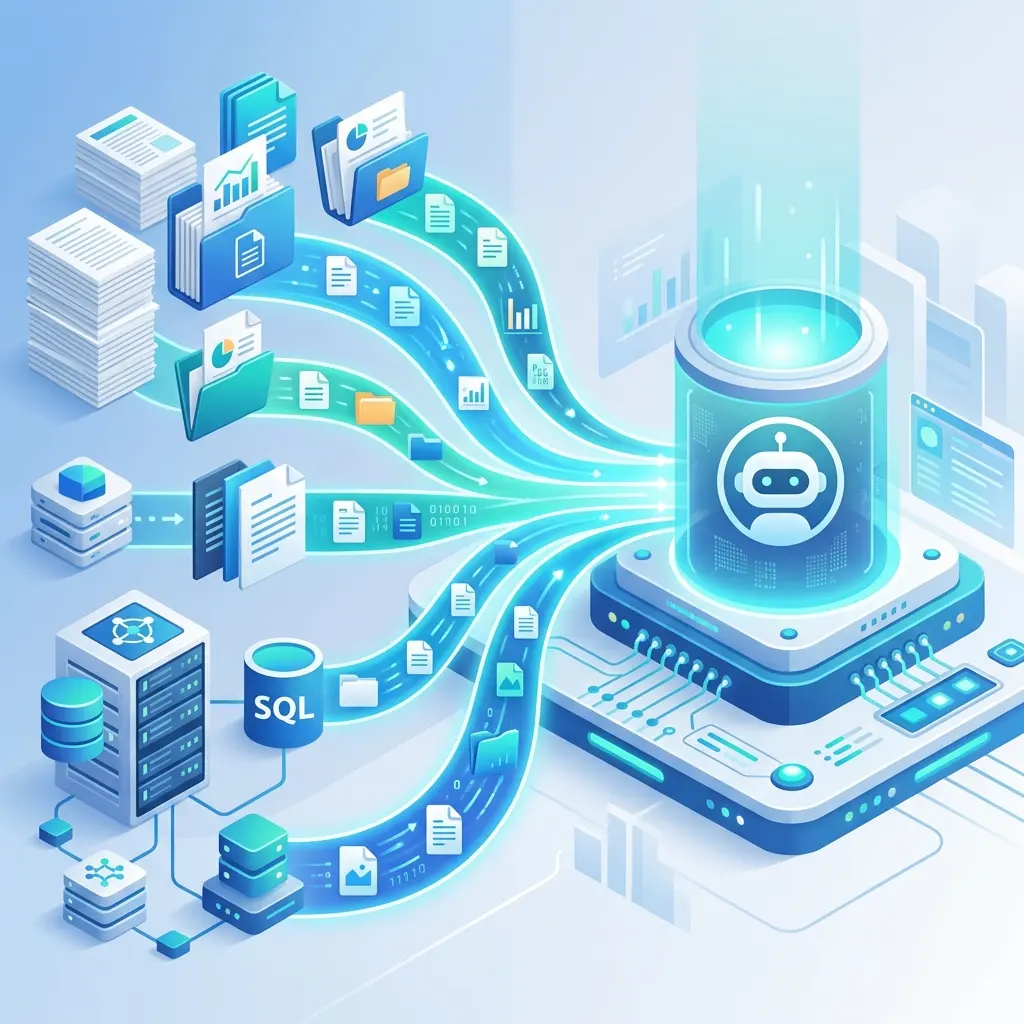
Building a highly capable AI agent is only half the battle; an agent is fundamentally constrained by the quality and accessibility of its underlying data. In real-world enterprise environments, knowledge doesn’t live in a single silo. It is fragmented across SharePoint sites, data lakes, blob storage, search indexes, and third-party systems.
Historically, connecting these diverse sources required managing fragile glue code, building custom ingestion pipelines, and handling complex orchestration logic. Microsoft’s Foundry IQ shifts this paradigm by treating data ingestion as a first-class capability through Knowledge Sources.
Here is a technical walkthrough of how Foundry IQ normalizes data pipelines, connects modern protocols like MCP, and handles enterprise governance—freeing your application code to focus entirely on user intent.
Architectural Paradigm: Separation of Concerns
At its core, a Knowledge Source in Foundry IQ is a managed connection wrapped inside a Knowledge Base. This design enforces a strict separation of concerns:
- The Knowledge Base: Handles the messy realities of data connections, authentication, chunking, and retrieval logic.
- The Agent: Interacts with the Knowledge Base as a single, unified endpoint, focusing exclusively on planning, user intent, and action execution.
By abstracting the orchestration burden away from your application code, Foundry IQ allows agents to fluidly reason across structured lists, unstructured PDFs, and public web content without custom routing logic.

The Two Pillars of Knowledge Sources: Indexed vs. Remote
Foundry IQ categorizes sources into two primary ingestion patterns, depending on where the data lives and how it needs to be queried.
1. Indexed Sources (The Managed Pipeline)
For data residing in environments like Azure Blob Storage, OneLake (which seamlessly shortcuts to AWS S3, GCP, or custom lakehouses), or existing Azure AI Search indexes, Foundry IQ fully automates the ingestion pipeline.
- Automated Processing: Content is automatically chunked, vectorized, and enriched.
- Advanced Retrieval: It configures the underlying query engine for hybrid search, leveraging keyword, vector, and semantic ranking simultaneously.
- Content Understanding Service: By enabling “Standard Mode” during setup, Foundry IQ applies layout-aware extraction. It intelligently parses complex structures like tables, figures, and headings, ensuring high-quality grounding without writing custom parsing scripts.
- Automated Freshness: Indexers are automatically scheduled (e.g., hourly by default) to keep the vector database synchronized with the source files.

2. Remote Sources (Query on Demand)
Sometimes, data is too dynamic, or governance models dictate that data cannot be duplicated into a secondary index. Remote sources query the target system live, merging and reranking the results alongside your indexed content.
- Model Context Protocol (MCP): Currently in private preview, Foundry IQ supports MCP servers as native knowledge sources. This allows you to plug into any tool-backed system exposing an MCP server, treating external application states as queryable knowledge.
- The Web: Public grounding via a Bing endpoint.
- Remote SharePoint: This utilizes the Microsoft 365 Retrieval API to query SharePoint directly. Crucially, this method respects user permissions and sensitivity labels dynamically at query time. (Note: Requires an M365 Copilot license).
- Indexed SharePoint (Alternative): If you require granular control over SharePoint data preparation, you can opt for Indexed SharePoint, which extracts the data into an Azure AI Search index via an Entra App registration.
The Agentic Retrieval Engine in Action
You don’t have to write complex routing logic to figure out which source to query. Foundry IQ utilizes an Agentic Retrieval Engine that takes the user’s prompt and formulates a plan.
It executes parallel subqueries across your selected sources. It then evaluates the returned evidence. If the context is sufficient, it exits early to save latency; if not, it iterates and refines the subqueries to improve coverage.
Developer Control: You retain control over the Retrieval Reasoning Effort. You can dial this from Minimal to Medium, deciding whether to utilize an LLM to formulate complex subqueries and synthesize answers, allowing you to balance speed, cost, and depth based on your specific use case.
Implementation Guide: Tips and Best Practices
Setting up these sources is remarkably streamlined. Whether you are working in the Foundry UI, the Azure Portal (under Azure AI Search -> Agentic Retrieval), or directly in VS Code using the Python SDK, the process provisions the underlying Azure AI Search indexes, indexers, and data sources automatically.
Step-by-Step UI Setup (Blob Storage Example)
Prerequisite: Ensure you have an Agent created first.
- Navigate to Build -> Knowledge -> Knowledge Bases.
- Click Create Knowledge Source and select your source type (e.g., Azure Blob Storage).
Pro-Tip: The Description Field is Critical Do not treat the description field as an afterthought. This text is heavily relied upon by the agent’s planner. If you are connecting a blob container with HR documents, explicitly describe it (e.g., “This source contains internal company policies regarding PTO and benefits”). Accurate descriptions prevent the agent from wasting time querying irrelevant sources.
- Resource Reusability: Knowledge Sources are decoupled from specific Knowledge Bases. You can create a connection to your enterprise data lake once, and seamlessly attach it to dozens of different agents across your organization.
- Model Selection: When configuring an indexed source, you will need to map your specific Azure OpenAI deployments: an embedding model for vectorizing the text, and a chat completions model to generate descriptions for any images found in your files.
- Programmatic Access: For developers preferring infrastructure-as-code or CI/CD pipelines, everything demonstrated in the Foundry UI is fully accessible via the Python SDK.
Python Implementation: Creating an Indexed Blob Knowledge Source
Here is a practical example of how you can automate the creation of a Knowledge Source using the Azure AI / Foundry SDK.
This script directly mirrors the Blob Storage scenario discussed above. It programmatically sets up the connection, configures the content understanding processing, and assigns the necessary AI models for vectorization and image analysis.
Prerequisites
You would typically need the Azure Identity and Azure AI Projects (Foundry) libraries installed:
The Code
Key Technical Takeaways from the Code
- Keyless Authentication: By using
DefaultAzureCredentialand specifyingSystemAssignedIdentityin the blob config, you avoid hardcoding SAS tokens or storage account keys, keeping your enterprise setup secure. - Routing via Description: Notice the detailed string passed to the
descriptionparameter. You are writing this description for the AI, not for a human. The Agentic Retrieval Engine reads this to decide if it should query this blob container. - The “Standard” Processing Mode: Passing
"Standard"to theextraction_modeis what triggers the automated chunking, vectorization, and layout-aware extraction behind the scenes, effectively building the data pipeline for you.
Python Implementation: Equipping the Agent with Knowledge
Here is the final piece of the puzzle. Now that the Knowledge Source is actively indexing our blob container, we need to wire it up to an Agent so it can actually reason over that data.
In the Microsoft Foundry/Azure AI Projects SDK, agents are treated as autonomous entities. You equip them with capabilities by passing “Tools.” In this case, we will pass our newly created Knowledge Source as a retrieval tool, create a conversation thread, and ask it a question.
What’s happening under the hood?
- Zero Orchestration: Notice that we didn’t write any code to calculate cosine similarity, query the vector database, or format the retrieved text into the prompt window. The SDK handles the entire RAG (Retrieval-Augmented Generation) pipeline automatically.
- The Run Loop: Once
create_runis triggered, the agent evaluates the user’s question, reads the tool descriptions, realizes it needs to search the Zava Blob Storage, fetches the chunks, and generates the response. - Citations: Because Foundry IQ inherently tracks data lineage, the final
agent_responsewill automatically include citation markers pointing directly back to the specific PDF or file in the blob container.
Conclusion
Foundry IQ Knowledge Sources eliminate the tedious middleware historically required to ground LLMs in enterprise data. By offering a hybrid approach of managed indexes and remote on-demand querying (including robust support for M365 and modern MCP architectures), it provides a secure, scalable foundation for building trustworthy AI agents.
(For more documentation and code samples, check out the official resources at aka.ms/iq-series).
Read next