Architecting Scalable AI: How Dataverse Business Skills Teach Agents Your Organization's Logic

Writer
Quiz available
Take a quick quiz for this article.
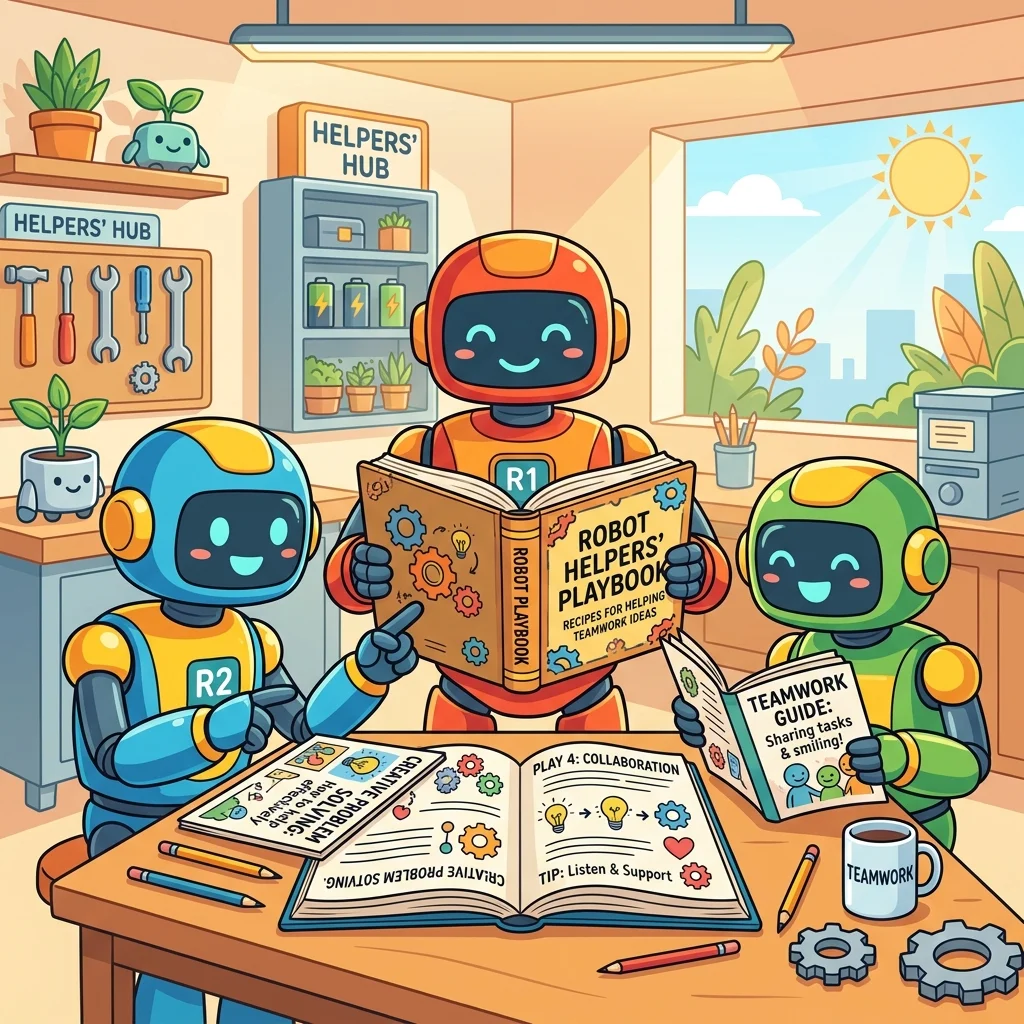
As agentic engineering matures from basic generative tasks to complex, multi-tenant enterprise workflows, developers face a critical bottleneck: managing business logic. Historically, teaching an agent a specific operational procedure meant hardcoding instructions directly into the agent’s prompt or backend. When that procedure inevitably changed, it resulted in massive version drift, requiring developers to track down and redeploy every single agent that utilized that logic.
Microsoft has fundamentally shifted this paradigm. By decoupling the business process from the agent itself using Business Skills, Dataverse, and Model Context Protocol (MCP) servers, you can build a single source of truth for your entire AI fleet. Here is a deep dive into how this architecture works and how to implement it.
By decoupling the business process from the agent itself using Business Skills, Dataverse, and MCP servers, you build a single source of truth for your entire AI fleet, eliminating version drift forever.
What is a Business Skill? The Anatomy of an AI Playbook
A Business Skill is defined as an operational playbook stored in Dataverse that teaches AI agents how the organization actually operates, written in plain, natural language rather than code.
Instead of writing complex conditional code, these skills are stored securely in Dataverse. A properly architected skill consists of three distinct components:
- Name and Description: The trigger mechanism. This metadata dictates exactly when an agent should pull this specific skill from the catalog.
- Step-by-Step Instructions: The deterministic execution path. This tells the agent exactly how to perform the task.
- Resource Files: The contextual payload. This includes any supplementary context like policy documents, templates, or SOPs the process requires to function accurately.
The Shareability Superpower
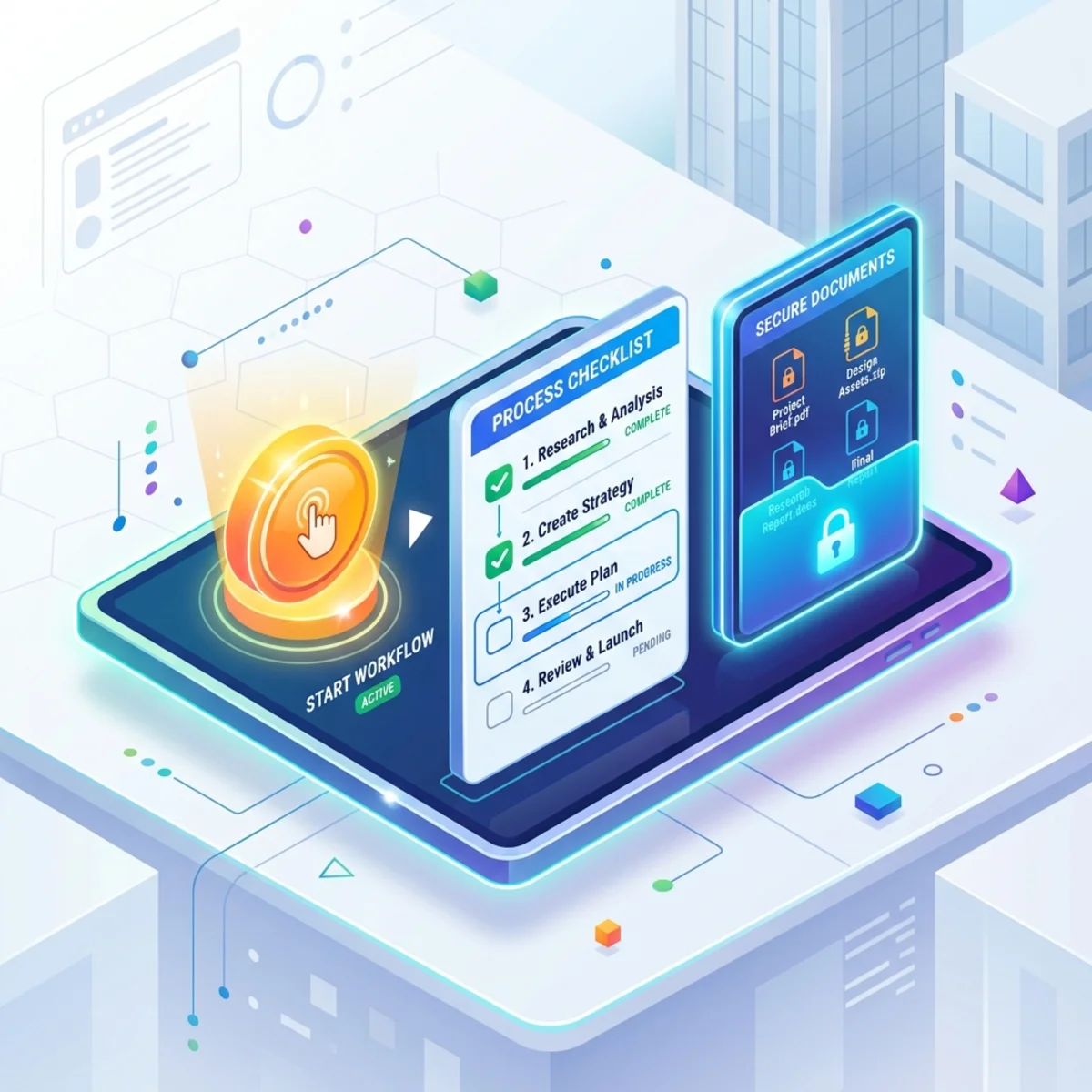
Because these skills live in Dataverse, they possess a shareability superpower: a skill is defined once and can be consumed by any agent in the ecosystem, whether it is built via no-code (Copilot Studio), custom agent development, or pro-dev coding agents. You define your vendor assignment process or insurance routing protocol once, and every agent in your organization follows the exact same playbook.
Architectural Foundation: Dataverse and MCP Servers
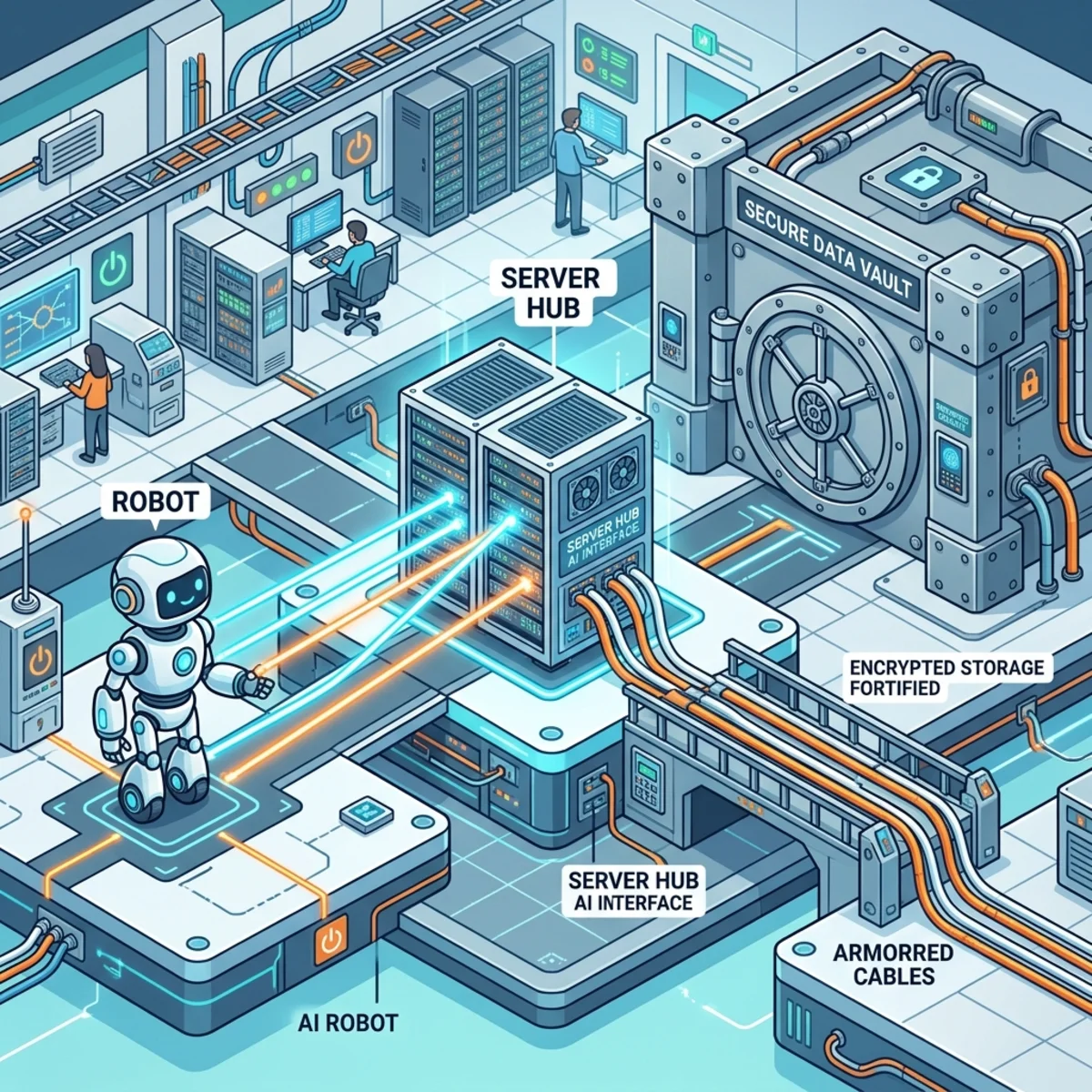
The true power of this architecture lies in how the agents interact with your environment. To achieve scale, the logic must be separated from the surface area where the user interacts. Dataverse acts as the single source of truth, and skills are authored in the maker portal, strictly protected by Role-Based Access Control (RBAC).
| Component | Location | Primary Function | Example |
|---|---|---|---|
| Agent Configuration | Copilot Studio / Custom Code | Defines basic identity and establishes connections to infrastructure. | "You are an internal support agent." (Wiring to MCPs). |
| Business Skill | Dataverse | Holds the deterministic business logic and domain rules. | "Step 1: Find unassigned tickets. Step 2: Detect specialty..." |
MCP Server Integration
Agents do not hold the logic natively. Instead, they act as orchestration engines wired directly into MCP (Model Context Protocol) servers. By connecting to the Dataverse MCP server and Work IQ MCP servers as tools, agents gain the ability to dynamically read data, write records, and search across your environment.
Security Posture: The Grounded Layer
Dataverse provides a grounded layer of real tables, real solutions, and real security. The MCP server follows strict standards, meaning it respects all existing Dataverse security roles.
Security Fact: No matter how capable the agent is, it can never access or surface data that the user invoking it does not have explicit permission to view.
Case Study: The “Zavi” Execution Flow
Let’s look at a concrete example using an agent developer persona interacting with a custom Copilot Studio agent named Zavi.
Zavi is tasked with assigning vendors to project issues. In Copilot Studio, Zavi’s native instructions are kept minimal—defining only its overarching role and responsibility. They do not contain any vendor assignment logic. The actual assignment logic is offloaded entirely to the skill (e.g., detecting specialties like HVAC or plumbing, filtering for the highest rating, assigning the vendor, and documenting notes).
The Wiring
Zavi relies on just two critical connections:
- The Dataverse MCP Server: To read business skills/data, query issues, evaluate vendors, and write assignment records.
- The Outlook MCP Server: To send automated email reports on behalf of the user.
When a user prompts: “Assign the right vendor to a plumbing issue and send a confirmation to Adele Vance,” Zavi undergoes a two-phase runtime execution model:
1. Progressive Discovery
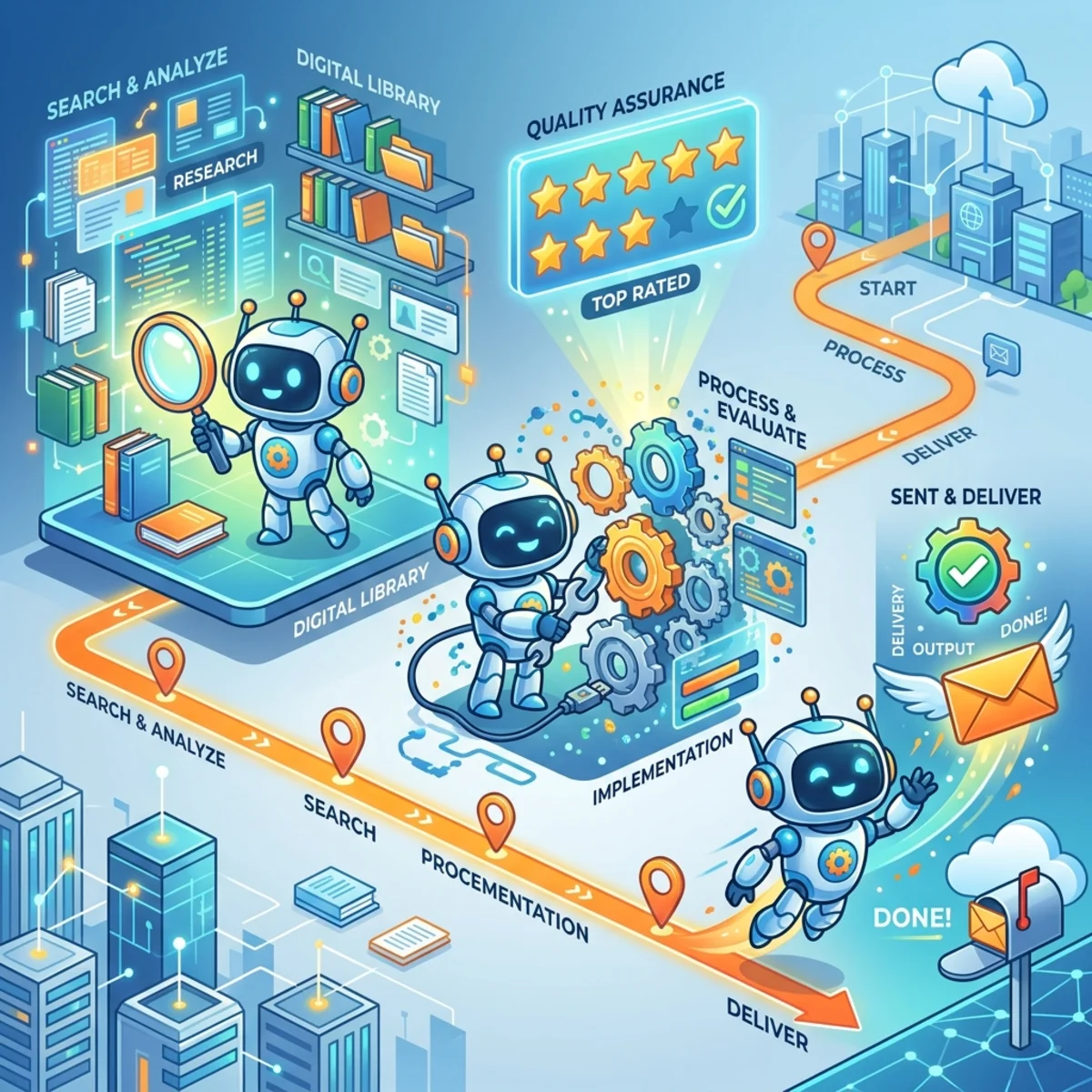
Zavi initializes its connections and actively hunts for the required knowledge. It executes a search call on the Dataverse MCP server to find a skill that matches the user’s intent. It then executes a describe call to load the full step-by-step instructions. Zavi did not need to know this process existed 30 seconds prior; it discovered the logic at runtime.
2. Autonomous Execution
Zavi executes the process autonomously, following the newly acquired playbook sequentially:
- Finds the unassigned issue.
- Reads the description to detect the specialty (e.g., plumbing, electrical, HVAC).
- Queries the vendor table filtering for that specific specialty.
- Picks the vendor with the highest rating.
- Writes the assignment back to the database.
- Automatically generates a project note (as dictated by the skill, without being explicitly asked for every micro-step).
- Leverages the Outlook MCP to send the confirmation email.
Beating Version Drift
What happens when your operational reality changes? Suppose you add a new vendor specialty, like “Roofing,” to your process.
In a legacy setup, you would need to crack open every single agent, update the system prompts, test, and redeploy. With this decoupled architecture, you update the Business Skill once in the Dataverse maker portal.
Every connected agent—whether Copilot Studio, GitHub Copilot, or custom agents—immediately pulls from the same central skill catalog via the MCP server and adopts the new process. There is no redeployment and zero version drift. The agents come and go, but the business logic remains permanent and centralized.
Implementation: A 3-Step Setup Guide
Setting up this enterprise-grade routing takes just three steps:
- Turn on Dataverse Intelligence: Navigate to the Power Platform admin center and enable the feature at the environment level.
- Enable the Dataverse MCP Server: Configure your endpoints and strictly control exactly which clients are permitted to connect.
- Author Your Skills: Jump into the maker portal (or use Copilot Studio / coding agents) to begin drafting your operational playbooks in plain, natural language.
By transitioning your AI strategy from hardcoded agent instructions to centralized Dataverse Business Skills, you ensure your automated workflows remain scalable, secure, and perfectly aligned with your business reality.
Read next